
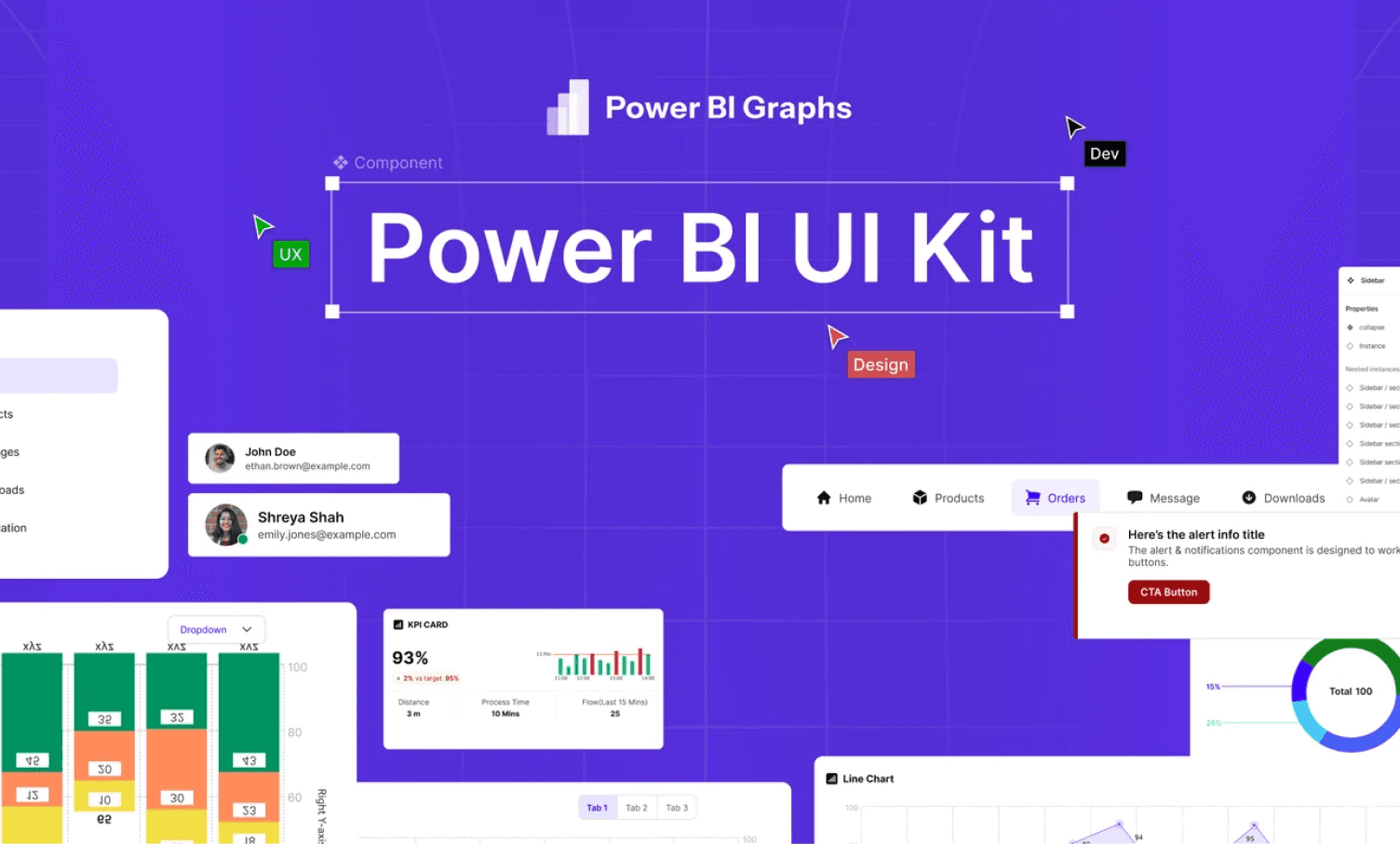
Creating professional Power BI dashboards is about more than just connecting data and building visuals. Modern organizations need dashboards that are consistent, easy to use, visually appealing, and aligned with their brand.
A Power BI UI Kit provides a structured design system that helps teams create high-quality dashboards faster while maintaining consistency across reports and projects.
What Is a Power BI UI Kit?
A Power BI UI Kit is a collection of pre-designed dashboard components, layouts, design tokens, navigation patterns, and visualization templates created specifically for Power BI.
Instead of starting every dashboard from scratch, designers and analysts can use proven components such as:
- KPI cards
- Navigation menus
- Filters and slicers
- Chart layouts
- Dashboard page templates
- Typography systems
- Color palettes
- Icon libraries
The goal is to provide a repeatable framework for building dashboards efficiently.
Why Dashboard Design Matters
Many Power BI implementations focus heavily on data modeling and reporting functionality while overlooking design.
Poor dashboard design often leads to:
- Low user adoption
- Confusing navigation
- Information overload
- Inconsistent user experiences
- Longer development cycles
A well-designed dashboard helps users understand information faster and make better decisions with confidence.
Common Dashboard Problems
Organizations frequently struggle with:
- Inconsistent visual styles between reports
- Different color schemes across teams
- Poor spacing and layout hierarchy
- Difficult navigation structures
- Mobile responsiveness issues
- Lack of branding alignment
A UI Kit addresses these challenges by standardizing design decisions.
Key Benefits of Using a Power BI UI Kit
Faster Design Process
Teams no longer need to redesign common dashboard components for every project.
Pre-built elements allow designers to:
- Create wireframes faster
- Prototype dashboards quickly
- Reduce repetitive work
- Focus on business requirements
Consistent User Experience
Consistency improves usability.
When users interact with multiple dashboards built using the same design system, they immediately understand:
- Navigation patterns
- Visual hierarchy
- KPI placement
- Filter behavior
- Dashboard structure
Better Collaboration
A shared UI Kit creates alignment between:
- Business Analysts
- Designers
- Power BI Developers
- Stakeholders
Everyone works from the same design language, reducing misunderstandings during development.
Stronger Branding
Organizations increasingly want analytics experiences that reflect their brand.
A UI Kit helps standardize:
- Brand colors
- Typography
- Logos
- Icons
- Layout styles
Improved Mobile Experience
Many dashboards are now consumed on mobile devices.
A modern Power BI UI Kit includes:
- Mobile-first layouts
- Responsive components
- Touch-friendly navigation
- Optimized KPI cards
- Better readability on small screens
Essential Components of a Great UI Kit
Dashboard Templates
Templates provide a starting point for common use cases.
Examples include:
- Executive Dashboards
- Sales Performance Dashboards
- Financial Reporting Dashboards
- Operations Dashboards
- Healthcare Analytics Dashboards
KPI Components
KPI cards should support:
- Current values
- Trend indicators
- Percentage changes
- Comparisons against targets
Navigation Systems
Effective navigation improves discoverability.
Common patterns include:
- Side navigation
- Tab navigation
- Section menus
- Mobile navigation bars
Design Tokens
Design tokens define reusable design standards such as:
- Colors
- Typography
- Spacing
- Border radius
- Shadows
Best Practices for Power BI Dashboard Design
Prioritize Business Goals
Every dashboard should answer specific business questions.
Avoid adding visuals that do not contribute to decision-making.
Focus on Visual Hierarchy
Important metrics should receive the most visual emphasis.
Use:
- Size
- Position
- Contrast
- Spacing
to guide attention.
Reduce Clutter
Simpler dashboards are often more effective.
Remove unnecessary:
- Borders
- Gridlines
- Labels
- Visual elements
that do not provide value.
Design for Mobile
Mobile usage continues to grow.
Ensure:
- Text remains readable
- Touch targets are accessible
- Navigation is simplified
- Critical KPIs remain visible
When Should You Use a Power BI UI Kit?
A UI Kit is particularly valuable when:
- Building multiple dashboards
- Supporting multiple business units
- Creating client-facing reports
- Scaling Power BI adoption
- Establishing design standards
Final Thoughts
A Power BI UI Kit is more than a collection of design assets. It is a framework for creating scalable, consistent, and user-friendly analytics experiences.
Organizations that invest in design systems can accelerate dashboard development, improve adoption, strengthen branding, and create reporting experiences that users genuinely enjoy using.
Whether you are a Power BI consultant, analyst, developer, or enterprise team, a well-structured UI Kit can dramatically improve the quality and efficiency of your dashboard projects.