Most Power BI dashboards don't fail because of bad data.
They fail because nobody opens them.
Walk into almost any organization running Power BI and you'll find a graveyard of reports — dashboards built with genuine effort, presented once in a meeting, and never opened again. The data connections still work. The refresh schedule still runs. Nobody looks.
This isn't a Power BI problem. It's a design and adoption problem, and it follows a predictable pattern across industries. This guide breaks down the real reasons dashboards fail and what separates the reports that get used from the ones that get quietly forgotten.
Why This Matters
Every abandoned dashboard represents real cost — the analyst hours spent building it, the stakeholder time spent reviewing it, and the ongoing maintenance of a report nobody relies on. Multiply that across a BI team shipping dozens of reports a year, and the waste adds up fast.
There's also a trust cost. Once a few dashboards fail to deliver value, stakeholders start requesting numbers over email or in spreadsheets instead of trusting the reporting layer. That's the opposite of what a BI investment is supposed to achieve.
Understanding why dashboards fail is the first step to building ones that don't.
Core Reasons Dashboards Fail
They Were Built Around Available Data, Not a Real Question
The most common root cause: someone opened Power BI, connected a dataset, and started building visuals before deciding what decision the dashboard needed to support. The result is a dashboard that reflects what data existed, not what the business actually needed to know.
Too Much Information, Not Enough Hierarchy
A dashboard with fifteen visuals crammed onto one page isn't more useful than one with five — it's just harder to read. Users can't tell what matters most, so they either give up or fall back on asking someone to explain it to them.
Inconsistent Design Across Pages and Reports
When every report in an organization looks different — different fonts, different color logic, different card styles — users have to relearn the interface every time they open a new one. That friction adds up, and eventually people stop bothering.
No Clear Owner After Launch
Dashboards that ship without an owner responsible for maintaining them tend to go stale. Metrics stop reflecting current priorities, filters break, and nobody notices until someone finally asks why the numbers look wrong.
Built for the Builder, Not the User
Analysts sometimes design dashboards the way they'd want to see the data themselves — dense, detailed, exploratory. Executives and frontline managers usually want the opposite: a fast answer, not an analysis tool.
Best Practices That Prevent Failure
1. Define the decision before building anything. Every dashboard should map to a specific question someone needs answered regularly. If you can't name that question, the dashboard isn't ready to build yet.
2. Design the first page for the busiest user. The executive with thirty seconds to spare should get exactly what they need on page one. Detail belongs on page two and beyond.
3. Standardize visual language across the organization. Shared KPI card styles, consistent color meaning, and predictable navigation reduce the learning curve every time someone opens a new report.
4. Assign ownership before launch, not after. Someone needs to be responsible for keeping the dashboard relevant — updating KPIs as priorities shift and retiring visuals that no longer matter.
5. Test with real users before rollout. Watch someone unfamiliar with the report try to answer a question with it. Where they hesitate is where the design has failed.
Real Examples
A finance team we've seen built a monthly reporting dashboard with eighteen visuals spread across a single page — every account category broken out separately, each with its own trend line. The CFO reviewed it once, then went back to requesting a summary spreadsheet from the team directly.
The redesign cut the front page to four KPI cards: revenue, gross margin, operating expenses, and cash position, each with a trend indicator and target comparison. Detailed account-level breakdowns moved to supporting pages. The CFO started opening it weekly instead of asking for spreadsheets — not because the underlying numbers changed, but because the report finally matched how a CFO actually reviews performance.
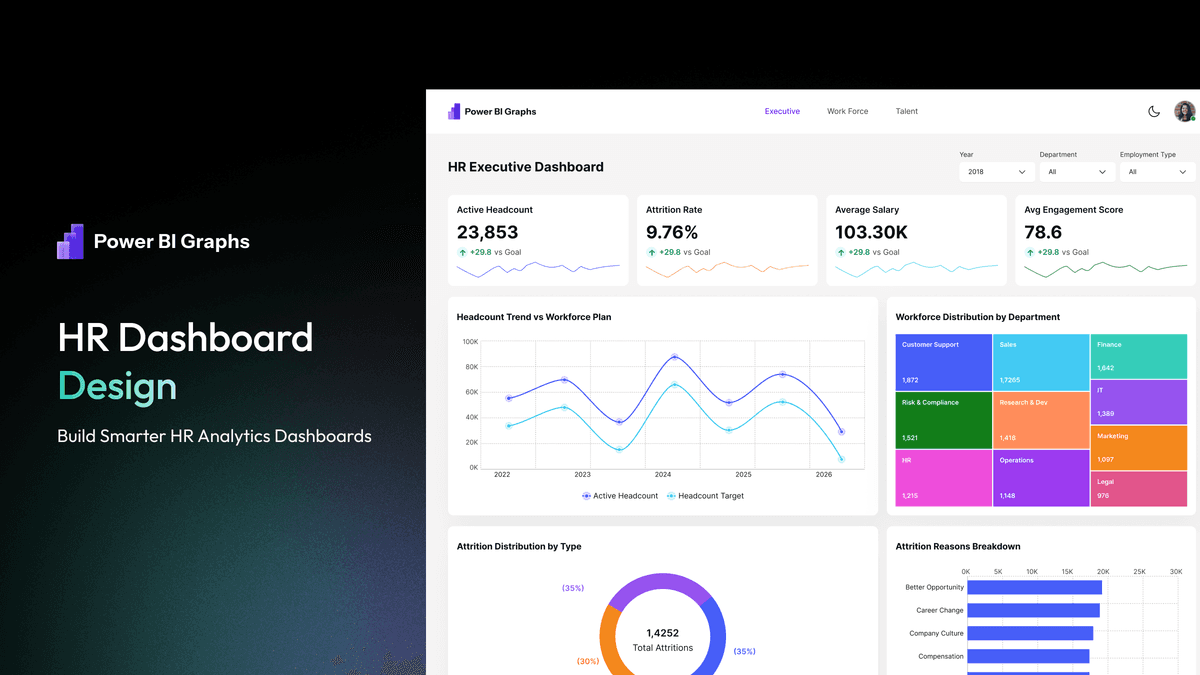
A similar pattern shows up in HR reporting, where headcount and attrition dashboards often bury the metrics leadership cares about beneath demographic breakdowns nobody asked to see on the first page.
Common Mistakes
| Mistake | Root Cause | Fix | |---|---|---| | Dashboard never gets opened after launch | Built without a defined use case | Start with the decision, not the dataset | | Users ask for the same number by email anyway | Key metric buried or hard to find | Put the most important KPI above the fold | | Report feels overwhelming | Too many visuals with no hierarchy | Limit the front page to 5-7 visuals max | | Numbers look "off" months later | No assigned owner | Assign maintenance ownership before launch | | Every report feels like a different product | No shared design standards | Apply a consistent design system across reports | | Executives stop trusting the dashboard | Inconsistent or outdated data without explanation | Document refresh schedules and flag known issues |
Professional Recommendations
- Before building, write down the single question the dashboard needs to answer — if you can't, stop and clarify scope first
- Involve the actual end user in a short review before considering the dashboard "done"
- Keep a lightweight backlog of dashboard feedback the same way you'd track bugs in software
- Revisit dashboards quarterly to confirm the KPIs still reflect current priorities
- Build on standardized components so fixing one dashboard's design issue doesn't mean starting over on the next
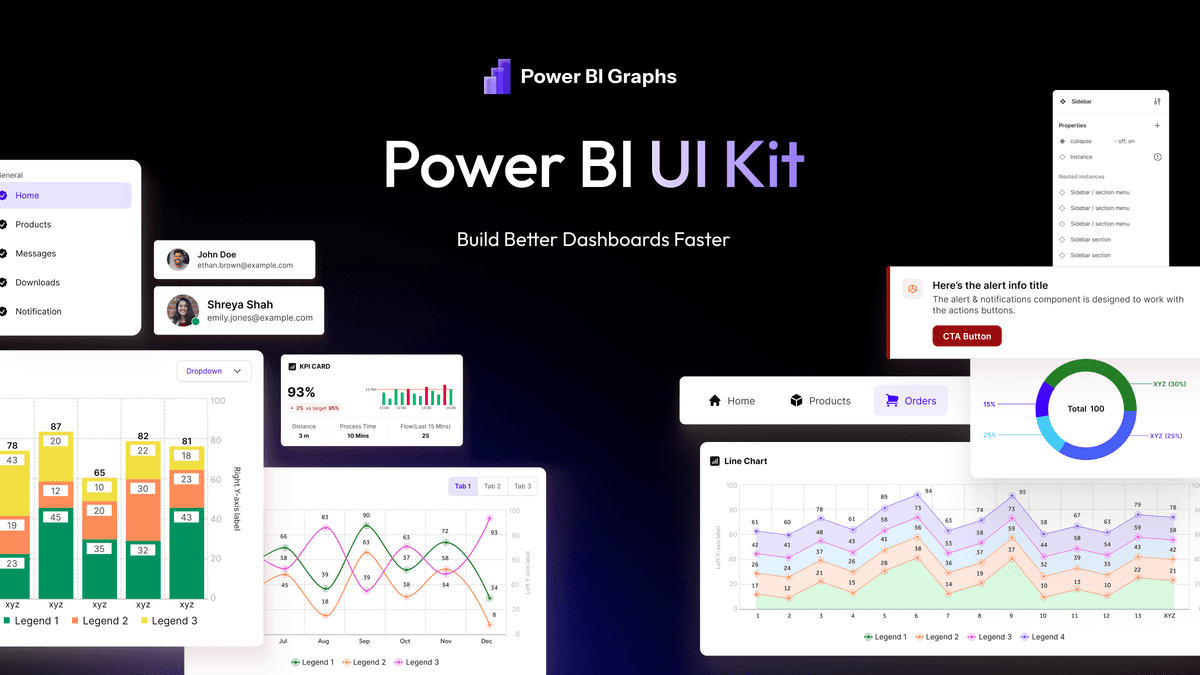
Many BI teams find that the fastest way to prevent this cycle isn't more design effort per project — it's starting from a proven foundation. A structured Power BI UI Kit or a tested Dashboard Templates library gives teams a consistent starting point, so design quality doesn't depend on which analyst happened to build the report.
Dashboard Health Checklist
- [ ] The dashboard answers one clear, named business question
- [ ] The most important metric is visible without scrolling or clicking
- [ ] No more than 5–7 visuals appear on the primary page
- [ ] A specific person owns keeping it accurate and relevant
- [ ] It was tested with an actual end user before launch
- [ ] Design matches other reports across the organization
- [ ] Refresh schedule and data sources are documented
Frequently Asked Questions
Why do so many Power BI dashboards get abandoned?
Most abandonment traces back to a mismatch between what the dashboard shows and what the user actually needed to decide. When the report doesn't answer the question fast, users go back to their previous workflow.
How do you know if a dashboard is failing?
Usage is the clearest signal. If a report was opened weekly at launch and monthly six weeks later, something about the design or relevance has broken down.
Is dashboard failure usually a data problem or a design problem?
It's almost always design and adoption, not data accuracy. Most failed dashboards contain correct numbers — they just fail to present them in a way people can use quickly.
Can templates help reduce dashboard failure rates?
Yes. Starting from a proven Dashboard Templates structure removes many of the layout and hierarchy mistakes that cause dashboards to fail in the first place, letting teams focus on the business logic instead of reinventing the layout.
Final Thoughts
Dashboard failure is rarely dramatic. Nobody announces they've stopped using a report — they just quietly stop opening it. That silence is the real signal BI teams need to watch for.
The fix isn't more visuals or more data. It's discipline: a clear purpose, a defined hierarchy, consistent design, and an owner who keeps it relevant. Organizations that build this discipline into their process — often by standardizing on reusable UI kits, templates, and design systems — stop losing dashboards to the graveyard and start building reports people actually rely on.