A typical consulting kickoff still splits into two files.
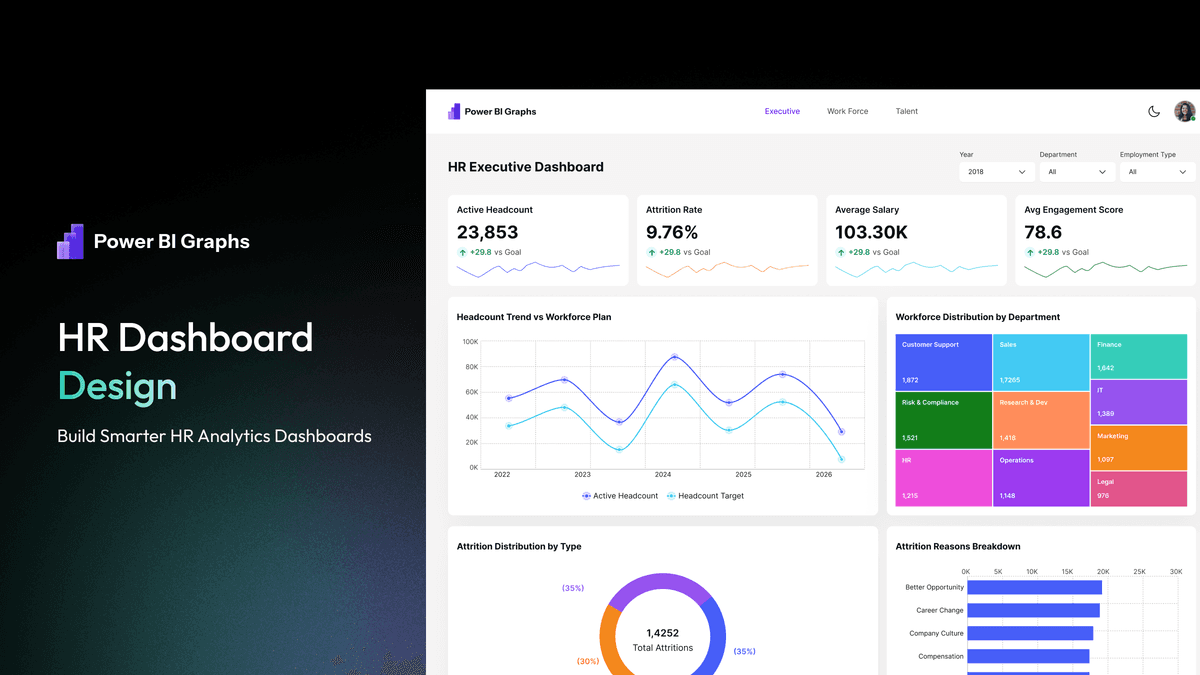
Stakeholders approve a Figma board. Then someone opens Power BI Desktop and rebuilds the same KPI row, filter pane, and table from a blank canvas. The mockup and the report drift. The client notices.
The useful habit is one visual system, two files: design in Figma, ship an editable PBIX that already follows those tokens.
Why the split happens
Power BI is where the model lives. Figma is where layout debate is cheap. Teams that only work in Desktop spend the kickoff arguing about padding. Teams that only work in Figma hand developers a picture with no report to publish.
Neither file is the product. The product is a report the client can rebrand and refresh.
A workflow that holds together
- Agree the questions. Sales vs target, pipeline by stage, headcount by department — write the questions before you draw cards.
- Compose in Figma. Use a Power BI–sized frame, the same type scale you will use in Desktop, and light/dark if the client will publish both.
- Lock tokens. Colors, radii, and card heights should be named, not guessed per page.
- Open a matching PBIX. If you start from an industry file (Sales, Finance, HR, SaaS, Retail), you replace the sample model instead of drawing visuals again.
- Connect data last. Layout first, then Excel/SQL. Native visuals keep the file easy to hand off.
What to buy vs what to build
If you already have a design system in Figma and a clean semantic model, you can wire this yourself. Buy a kit when you are tired of remaking slicers and KPI tiles for every client.
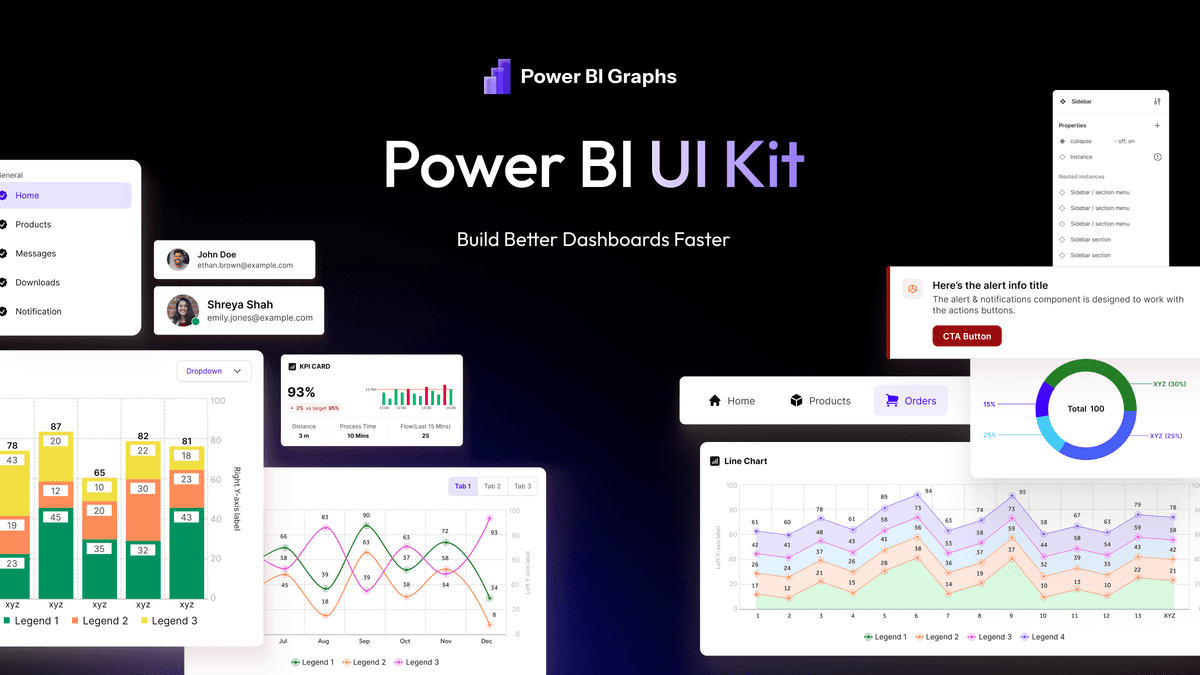
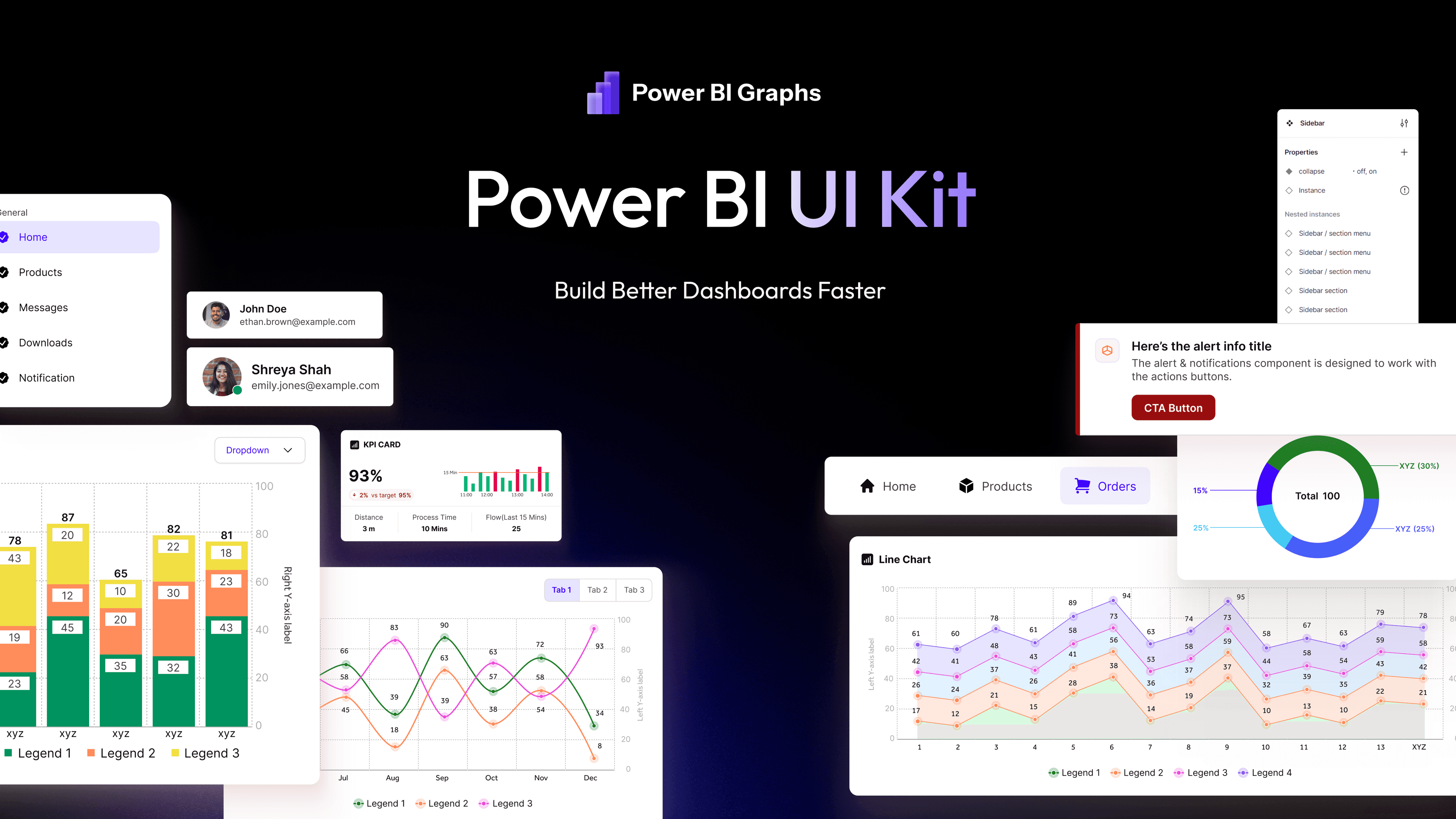
PowerBIGraphs is built for that job: a Figma UI Kit plus five editable industry PBIX files in the same language. Figma-only kits (Nudge, Insighton) stop at the mockup. High-volume PBIX shops stop at Desktop.
See the side-by-side pages if you are choosing a kit, then preview the Figma file before you pay.
What this is not
This is not a replacement for a proper data model. A pretty PBIX on a messy star schema still fails. It is also not a Microsoft sample: those files teach the product, they are not a commercial report you rebrand for a client.